

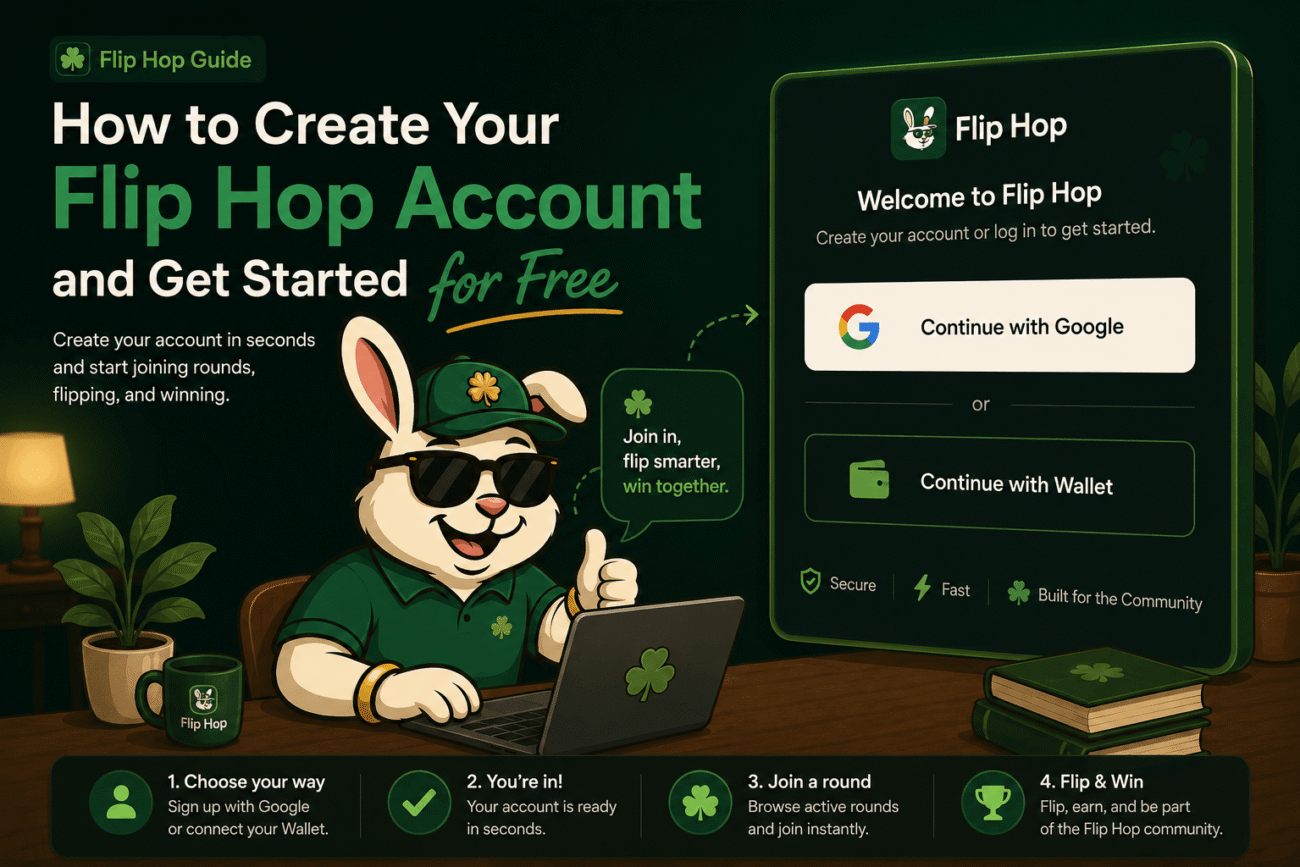
Getting started on Flip Hop is quick, free, and doesn’t require any prior crypto experience. Here’s everything you need to know to create your account and access the platform in minutes.
Do I Need to Pay to Open an Account?
No. Flip Hop does not charge an account opening fee. You simply choose a supported sign-in method and you’re in.
Two Ways to Access Flip Hop
Option 1: Sign In with Google
This is the easiest and most beginner-friendly option. When you sign in with Google:
- You don’t need to set up a crypto wallet first
- Your account is created through Privy, Flip Hop’s secure access infrastructure
- The experience is fast, familiar, and designed for users who are new to Web3
If you just want to get started without dealing with wallets right away, this is the way to go.
Option 2: Connect an External Wallet
If you already use a crypto wallet, you can connect it directly. Compatible wallets include:
- MetaMask
- Rabby
- Coinbase Wallet
- Trust Wallet
- Other compatible wallets supported in the access flow
This option is ideal for users who are already comfortable with Web3 tools and want a more direct wallet-based experience.
Which Option Should You Choose?
Choose Google if:
- You are new to Web3
- You want the simplest and fastest way to get started
- You prefer a familiar login experience
Choose External Wallet if:
- You already use MetaMask, Trust Wallet, or similar
- You are comfortable with Web3 tools
- You prefer to connect with your own wallet from the start
Security Tips for Your Account
No matter which sign-in method you choose, always:
- Use a secure, updated device
- Protect your Google account or wallet credentials
- Make sure you are always on the official Flip Hop website
- Never share your private keys or wallet recovery phrase with anyone
- Avoid clicking suspicious links claiming to be Flip Hop
Flip Hop will never ask you to share your private wallet recovery phrase.